
If you have a website or blog, you might have heard the term SEO. But what is SEO in simple words? Search Engine Optimization is the process of making your website more visible on search engines like Google. The higher your website ranks, the more people can find you.
For beginners, SEO might seem complicated, with these terms like keywords, backlinks, and meta tags. Don’t worry! In this guide, we’ll explain everything in easy-to-understand language and show you how to get started.
What is SEO?
SEO stands for Search Engine Optimization. It is the practice of optimizing your website so it appears higher in search engine results pages (SERPs).
In simple words, SEO is like a map that helps Google understand your website. When your site is easy to understand and useful, search engines show it to more people.
Some key components of SEO include:
- Keywords: Words people type into search engines.
- Content: Articles, blog posts, videos, and other media on your site.
- Links: Connections from other websites to yours (backlinks).
- Technical SEO: How fast your site loads and how easy it is to navigate.
SEO helps search engines like Google, Bing, and Yahoo know what your website is about and whether it’s useful for searchers.
Why is SEO Important?
SEO is important because most online experiences start with a search engine. If your website doesn’t rank well, people may never find it.
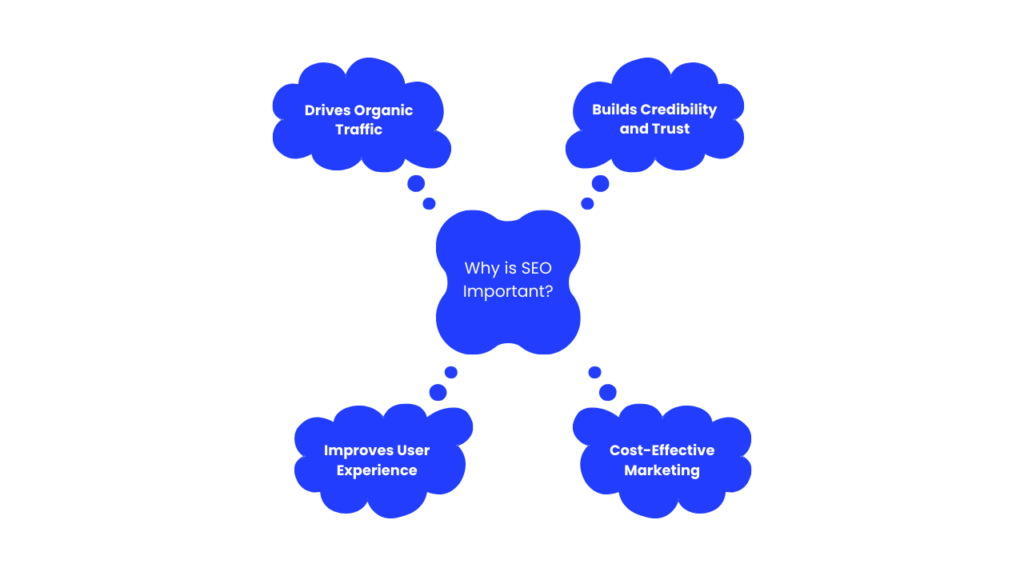
1. Drives Organic Traffic
Organic traffic comes from people finding your website without paid ads. SEO helps you attract more visitors naturally.
2. Builds Credibility and Trust
Websites that rank higher are seen as more trustworthy. Good SEO ensures your content is high-quality and valuable.
3. Improves User Experience
Optimizing your website for SEO also makes it faster and easier to navigate, which improves user experience.
4. Cost-Effective Marketing
Unlike paid ads, SEO brings long-term benefits. Once your site ranks well, you continue getting traffic without paying for each click.
How does SEO Work?
SEO works by helping search engines understand your website and evaluate its relevance for different searches.
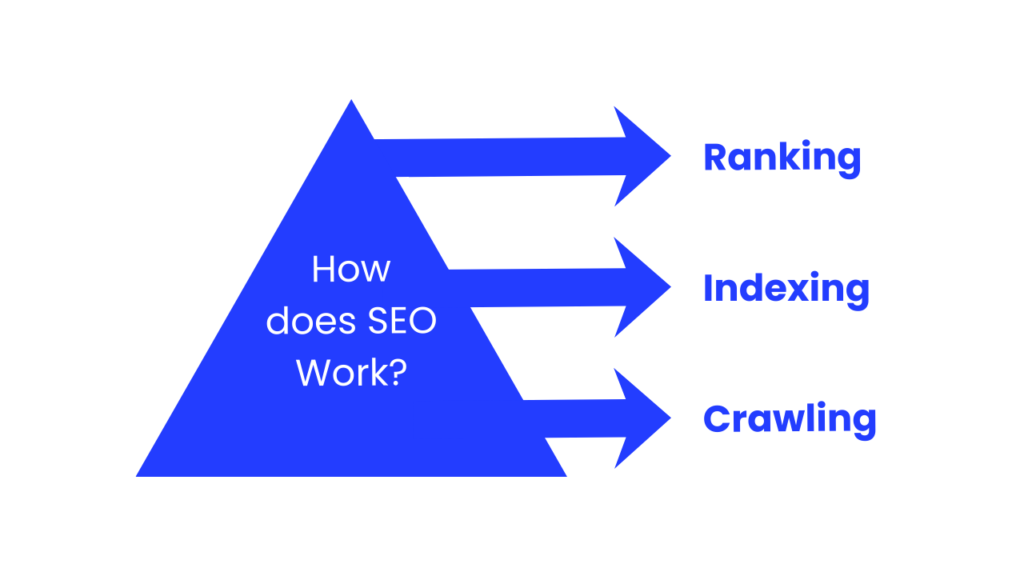
1. Crawling
Search engines use bots to “crawl” your website. They read your content, links, and structure to understand what your site is about.
2. Indexing
After crawling, search engines store your pages in a database called an index. This is like a giant library of all websites.
3. Ranking
When someone searches for a keyword, search engines show the most relevant pages first. Ranking is based on many factors, including content quality, page speed, mobile-friendliness, and backlinks.
4. Keywords
Keywords are the words or phrases users type in search engines. Using the right keywords naturally in your content helps search engines match your site to user searches.
5. On-Page SEO
On-page SEO refers to optimizing content on your website. This includes using the right keywords, creating helpful content, and using proper headings.
6. Off-Page SEO
Off-page SEO refers to actions outside your website, like building backlinks, social media sharing, and online mentions.
Examples of SEO
SEO is everywhere online. Here are some simple examples:
- Local Business SEO: A bakery in New Delhi appears in Google Maps when someone searches “best bakery near me.”
- Blog SEO: A beginner blog about cooking ranks high for “easy pasta recipes.”
- E-commerce SEO: An online store appears on the first page for “affordable running shoes.”
These examples show how SEO can help businesses, blogs, and websites attract more visitors.
Common Beginner Mistakes in SEO
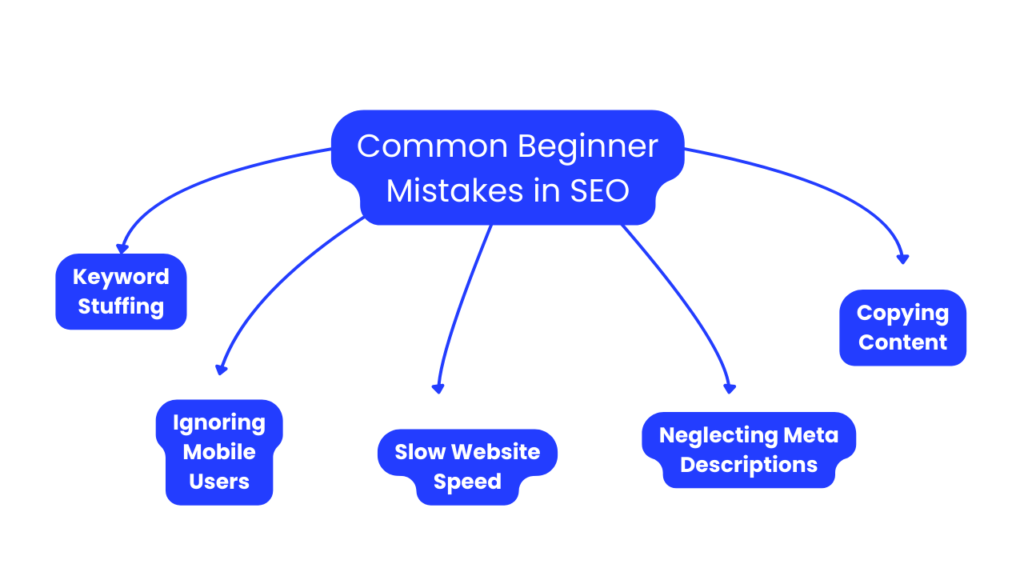
1. Keyword Stuffing
Using the same keyword too many times makes content unreadable. Focus on natural usage.
2. Ignoring Mobile Users
Over half of internet users browse on mobile. Websites that aren’t mobile-friendly lose traffic.
3. Slow Website Speed
If your site is slow, visitors leave quickly, and Google may rank you lower.
4. Neglecting Meta Descriptions
Meta descriptions help search engines understand your page. Ignoring them can reduce clicks.
5. Copying Content
Duplicate content can hurt rankings. Always create original content.
Step-by-Step Guide for Beginners in SEO
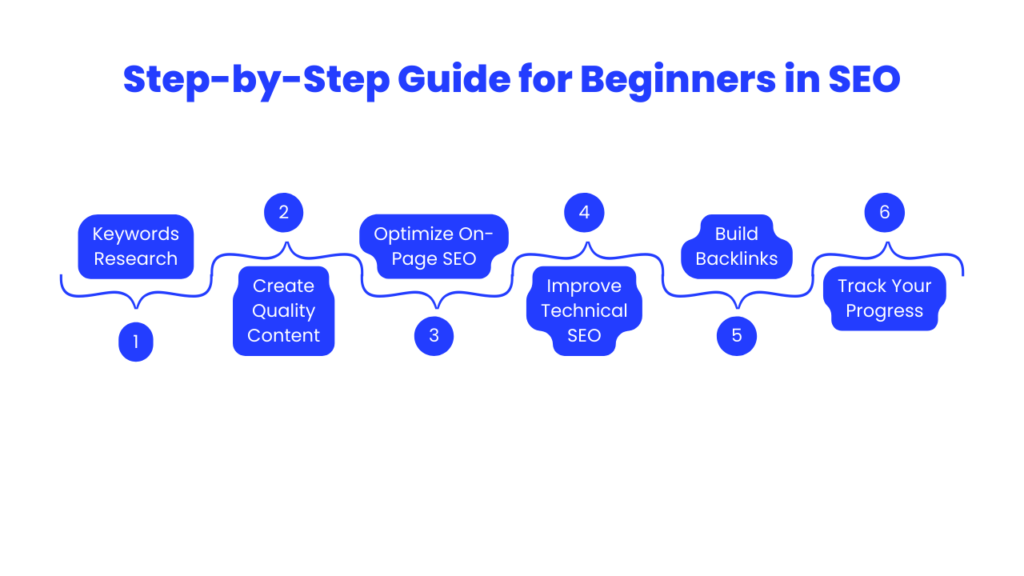
Step 1: Keywords Research
Find keywords people search for using tools like Google Keyword Planner, Ubersuggest, or SEMrush.
Step 2: Create Quality Content
Write helpful, informative content around your keywords. Use headings, short paragraphs, and images.
Step 3: Optimize On-Page SEO
- Use keywords naturally in titles and headings.
- Add meta descriptions.
- Use internal and external links.
- Optimize images with alt text.
Step 4: Improve Technical SEO
- Ensure your website loads quickly.
- Make it mobile-friendly.
- Use HTTPS for security.
- Fix broken links.
Step 5: Build Backlinks
Reach out to other websites to share your content. Quality backlinks improve your credibility.
Step 6: Track Your Progress
Use tools like Google Analytics and Google Search Console to monitor traffic and rankings.
Conclusion
SEO is not as complicated as it seems. In simple words, it’s about making your website easy to find, useful, and trustworthy for users and search engines.
By understanding keywords, creating quality content, and following SEO best practices, even beginners can start ranking higher in search results.
Remember, SEO is a long-term strategy. With patience and consistent effort, your website can attract more traffic, build credibility, and grow your online presence.
Frequently Asked Questions
1. What is SEO in simple words?
SEO is the process of improving your website so it appears higher in search engine results, helping more people find it.
2. How long does it take to see results from SEO?
SEO results can take 3–6 months, depending on competition, content quality, and website optimization.
3. Can I do SEO myself as a beginner?
Yes! Beginners can start with keyword research, writing helpful content, and optimizing their website.
4. What is the difference between on-page and off-page SEO?
On-page SEO focuses on content and website elements, while off-page SEO focuses on backlinks and external factors.
5. Why is keyword research important in SEO?
Keywords show what users are searching for. Using them helps search engines understand your content and match it with relevant searches.